
Best Polymarket Bots Compared: PolyCop, Kreo, PolyGun, Polycool, Polycule, Betmoar, Polybot and Merlin Trade
Compare Polymarket bots for copy trading, Telegram execution, sniper trades, smart-money alerts, mobile trading, terminals, and AI research workflows.
The best Polymarket bot depends on the job. PolyCop is the strongest first test for controlled copy trading, Kreo is better for passive copying, PolyGun is for fast Telegram execution, Polycool is for smart-money alerts, Polycule is for mobile/social Telegram trading, Betmoar is a cleaner manual terminal, Polybot covers broader automation, and Merlin Trade belongs in the research-assistant bucket. Use Predicts.guru before any bot to check wallets, PnL, market history, liquidity, and trader behavior.
- Do not pick a Polymarket bot by hype. Pick by category: copy trading, execution, alerts, terminal, automation, or research.
- The safest workflow is research first, bot second: verify wallets and markets on Predicts.guru, then use a bot only if speed or automation actually helps.
- Use this as the starting point, then open the detailed review for the exact tool you are considering.
Why this guide is different
Most Polymarket bot roundups read like a copied Telegram promo: every tool is powerful, fast, and somehow perfect for every trader. That is useless when the actual decision is whether to let software touch real positions.
Prediction markets are different from slow portfolio apps. A headline lands, a wallet buys, the order book thins out, and the price can move before you finish checking three tabs. Bots help with that only if you already know what you are trying to do.
A copy trading bot, a sniper bot, a smart-money alert app, a terminal, and an AI research assistant solve different problems. Mixing them into one flat ranking is how people end up using a speed tool when they really needed a wallet-quality check.
My bias is simple: Predicts.guru should be the research layer. Bots should be the execution layer. Find the wallet, check the market, understand the spread, then open the bot. If you reverse that order, every blinking Telegram button starts looking like a trade.
Best Polymarket bots by use case
If you only skim one section, use this. The best bot is not the one with the loudest channel. It is the one that matches the exact trading job.
| Category | Best pick | Use it when | Read next |
|---|---|---|---|
| Controlled copy trading | PolyCop | You found a wallet you want to follow, but you still want size limits, slippage control, and a way to pause. | PolyCop review |
| Passive copy trading | Kreo | You already trust a shortlist of wallets and want fewer manual steps. | Kreo review |
| Telegram sniper execution | PolyGun | Your edge depends on reacting quickly from Telegram or mobile. | PolyGun review |
| Smart-money alerts | Polycool | You want to find wallet moves before turning them into trades. | Polycool review |
| Mobile/social Telegram trading | Polycule | You want trading, positions, wallet actions, and social flow in Telegram. | Polycule review |
| Manual trading terminal | Betmoar | You want cleaner execution without handing the decision to a bot. | Betmoar review |
| General bot automation | Polybot | You are comparing broader automation rather than one narrow copy-trading flow. | Polybot review |
| AI-assisted research | Merlin Trade | You want faster research and summaries before deciding whether to execute. | Merlin Trade review |
Start with the category, not the brand name
This is the main readability fix. A new reader should not have to compare eight random bots at once. First decide the job: copy a wallet, react faster to news, watch smart money, trade manually with a cleaner terminal, or research an event before touching size.
The better trader writeups work because they do not open with a dead feature list. They open with the actual trader pain: you see a smart wallet enter early, you switch tabs, the order book moves, and by the time you copy it your edge is gone. That angle is worth keeping. The fix is to match the tool to the exact pain: control, speed, alerts, or a cleaner terminal.
Category 1: Polymarket copy trading bots
Copy trading sounds easy: find a green wallet, copy it, let the bot work. The trap is that the copied trade is rarely the same trade. The original wallet may have entered earlier, with different size, in a different liquidity environment, and with more context than you have.
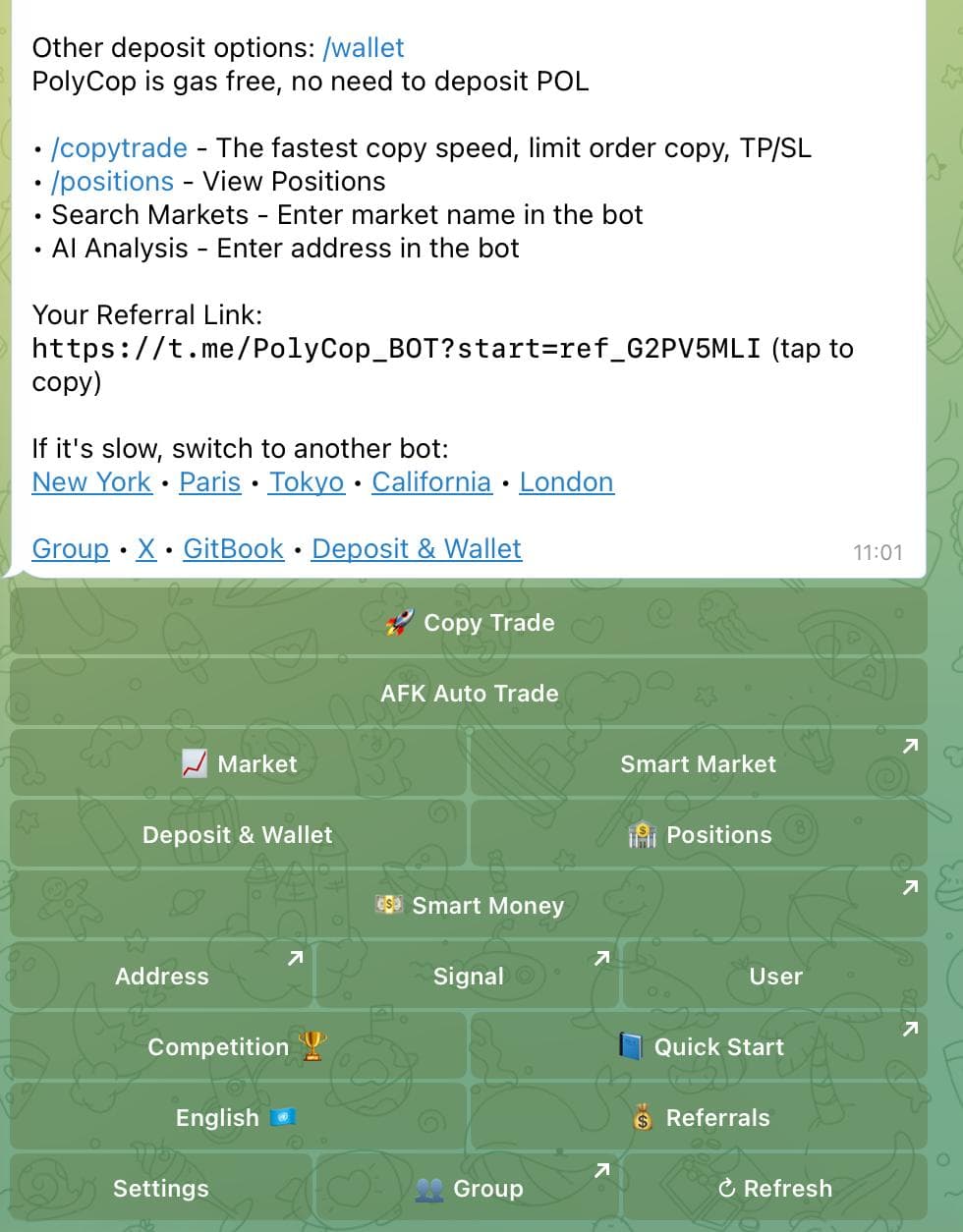
PolyCop and Kreo are the two names I would keep highest in this category. PolyCop is the control-first pick: trader writeups keep coming back to max buy size, minimum thresholds, proportional sizing, price offsets, TP/SL, slippage control, and a one-click exit. Kreo is the passive-workflow pick: wallet tracking, exact or percentage copying, bid-ladder visibility, unusual-activity alerts, and a Telegram flow that feels built for checking positions from your phone.
Before copying any wallet, open Predicts.guru and check whether the wallet has repeatable performance or just one lucky hit. Look at recent PnL, ROI, market categories, trade size, whether the wallet is still active, and whether its edge survives after your likely slippage and fees.
Category 2: Telegram execution and sniper bots
This is the speed category. PolyGun is the cleanest fit when the trader wants Telegram execution, fast entries, TP/SL style controls, limit orders, and quick action on short-duration markets. Public trader writeups frame it like a sniper cockpit: markets, copy trade, smart wallets, portfolio, PnL cards, AI/volume alerts, and a faster route from signal to order.
The upside is obvious: fewer clicks when the market moves. The downside is also obvious: bad trades happen faster. If a market already repriced from 42 cents to 61 cents, a sniper bot does not recover the old entry. It just helps you buy the new price quickly.
Use this category when you already know the signal: a news catalyst, a price level, a wallet move, or a market-depth setup. Do not use it because Telegram made the buy button feel urgent.
Category 3: Smart-money alerts and wallet tracking
For many traders, alerts are better than full automation. You get a reason to investigate, not a command to buy. That makes Polycool one of the more interesting tools in the list.
Polycool is positioned around top trader discovery, wallet movement, live games, market search, portfolio views, and alerts. That puts it before the trade. It can help you notice a move, then Predicts.guru can help you decide whether the move is worth following.
The mistake is worshipping whales. A big wallet can be hedging, market making, testing size, or entering a position that only makes sense inside a bigger portfolio.
- Polycool belongs before execution, when you are still finding wallets and markets.
- Use the Predicts.guru wallet checker and leaderboard to verify the wallet before copying it.
Category 4: Terminals and cleaner manual trading
Not every trader wants a bot to make or copy decisions. Sometimes the better tool is a cleaner terminal: faster search, cleaner execution, fewer distractions, and less jumping around the default interface.
Betmoar belongs in this category. It is not the same pitch as PolyCop or Kreo. The useful angle from trader comparisons is reliability: fast loading, clean mobile use, direct market access, whale/news context, and fewer distractions when you already know what you want to trade.
A lot of traders do not want full automation. They just want the market page, wallet context, and execution flow to stop fighting them.
- Betmoar is the manual terminal pick.
- Use Predicts.guru first for market research and event analytics
- Read the Betmoar review.
Category 5: Automation and AI research tools
PolyBot and Merlin Trade should not be forced into the same bucket as copy trading. They solve different jobs: PolyBot is closer to rules-based Telegram automation, while Merlin Trade is closer to strategy discovery and leaderboard research. For the tools without big standalone writeups, I used the same question the stronger bot comparisons answer: what trader pain does this actually remove, and what new risk does it introduce?
Polybot covers the broad 'I want a Polymarket bot' query. Merlin Trade is better framed as research support: summarizing markets, preparing a thesis, and helping with context before execution.
The risk is overtrust. AI summaries can miss resolution details. General automation can hide execution risk behind a friendly interface. Treat both as speed tools, not edge generators.
- PolyBot is the broader automation mention.
- Merlin Trade is the research and strategy-marketplace mention.
- Read the PolyBot review and Merlin Trade review.
PolyCop vs Kreo: the copy-trading decision
PolyCop is the first bot I would test if control matters. Copy trading needs boring controls: max trade size, slippage limits, pause buttons, price offsets, one-click exit, and a way to avoid copying into terrible liquidity. That is exactly why trader comparisons keep putting PolyCop in the serious-trader bucket.
Kreo is more attractive if the trader wants a smoother passive setup. The strongest Kreo angle is speed plus AI/wallet discovery: quick copying, bid-ladder context, unusual-activity alerts, and less dashboard work. That can be convenient, but it also makes it easier to stop thinking. Passive copy trading should still start with active wallet research.
A separate PolyCop vs Kreo comparison would be useful because the decision is practical: controls, fees, wallet setup, copy filters, Telegram UX, and who should use each one. If the reader says 'I want max control,' send them to PolyCop. If they say 'I already trust these wallets and want passive flow,' send them to Kreo.
| Question | PolyCop | Kreo |
|---|---|---|
| Best for | Controlled copy trading | Passive copy trading |
| User type | Trader who wants limits and pause control | Trader who already trusts selected wallets |
| Main risk | Copying a good wallet at a bad price | Letting the bot run without checking wallet quality |
| Full review | PolyCop review | Kreo review |
PolyCop is the headline pick because it matches the most common real use case: following a wallet with limits instead of clicking every trade manually. The trader writeups add the missing color: the real pain is getting in late, paying worse spreads, and second-guessing size while smart wallets already exit clean.
Use PolyCop when you already found a wallet worth following and want a controlled way to copy it: max buy size, minimum thresholds, proportional sizing, price offsets, TP/SL, slippage limits, one-click sell, and a panic-stop mindset. Do not use it to blindly follow the biggest green number on a leaderboard. Read the PolyCop review.
- Use it when you want wallet following, size limits, copy trading, and a Telegram workflow.
- Before copying, check wallet PnL, ROI, recent activity, category focus, and average trade size.
- Predicts.guru workflow: find wallet on leaderboard, inspect it in wallet checker, then test PolyCop with small sizing
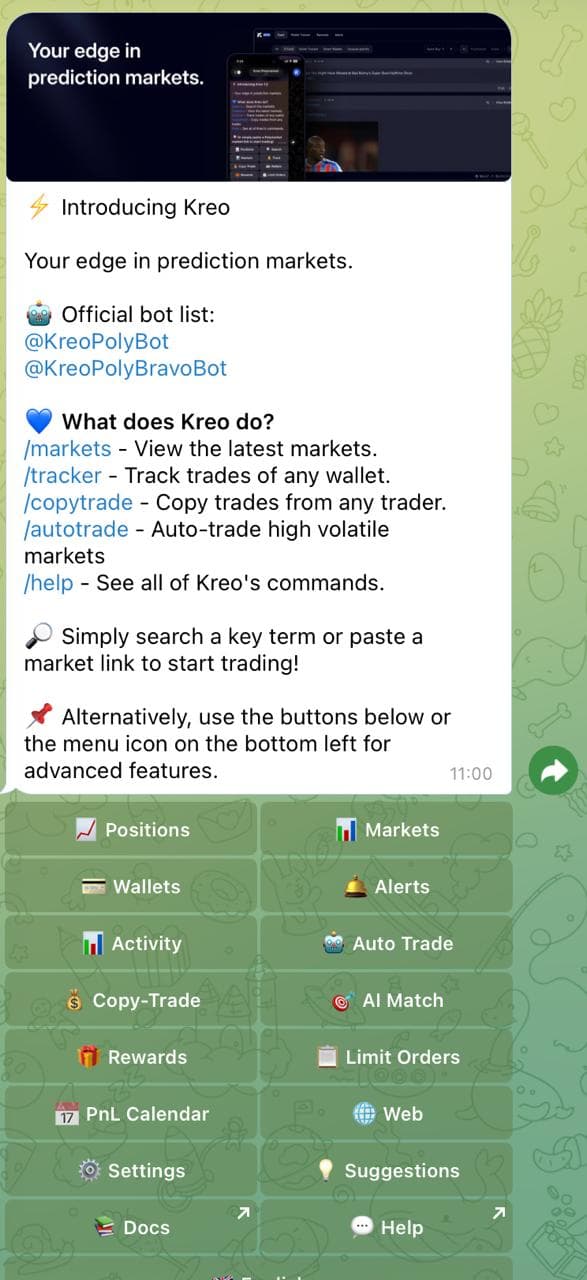
Kreo is the passive copy-trading option. The appeal is lower friction: pick wallets, let the Telegram workflow handle more of the repetition, and avoid clicking through every trade manually. Trader writeups frame it as speed, AI discovery, bid-ladder context, and phone-native copying for traders who do not want to live in dashboards.
The weakness is the same as the strength. Passive automation can make you lazy. If the wallet selection is bad, the bot only makes the bad selection easier to repeat.
Read the Kreo review.
- Use it only after you already have a wallet shortlist.
- Check whether those wallets are still active and whether their edge survives fees and slippage.
- Predicts.guru workflow: use leaderboard and wallet checker before turning on passive copying
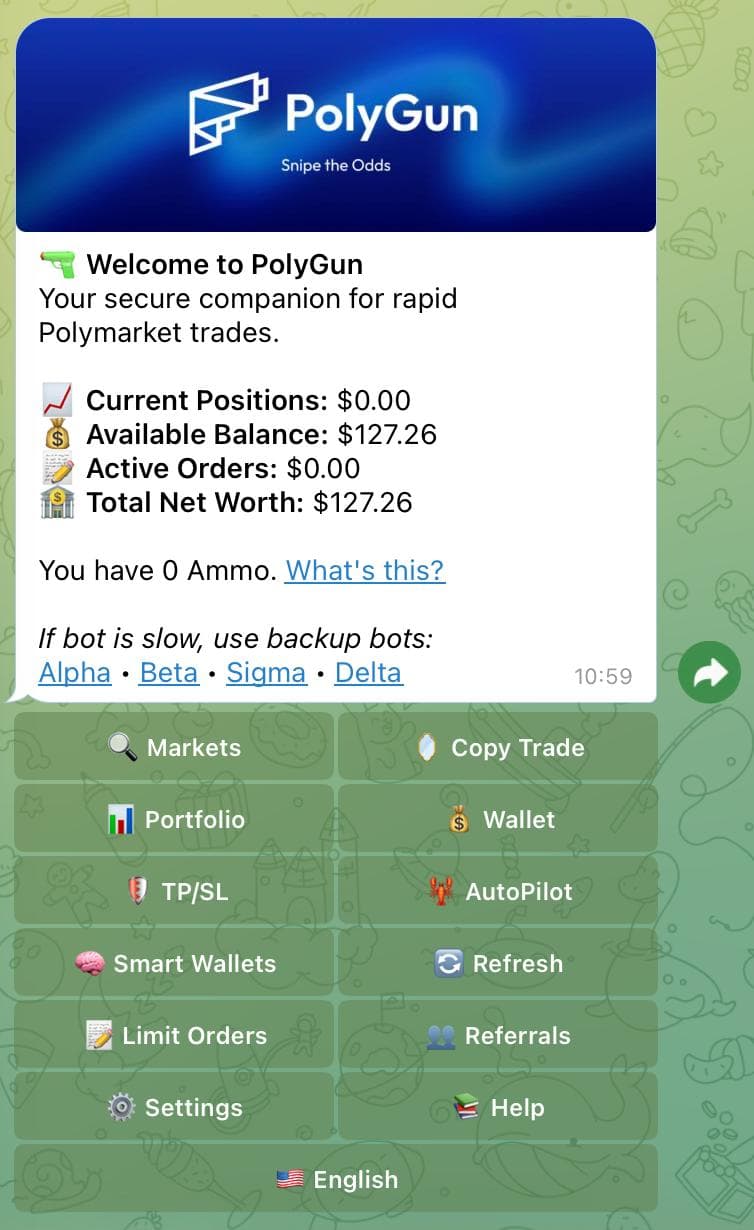
PolyGun is the speed pick. It belongs near the top because Telegram execution and sniper-style trading are different jobs from copy trading. Trader writeups frame it as the Telegram-native quick-action tool: smart wallets, limit orders, TP/SL, PnL cards, AI/volume alerts, and fast entries for short-duration markets.
Use it when the signal is already yours and the only problem is getting the trade placed quickly. Do not use it to chase every moving market just because the interface makes action feel easy. Read the PolyGun review.
- Use it for mobile trading, Telegram execution, fast markets, and short-duration opportunities.
- Check the spread, liquidity, price movement, and whether the edge still exists after the first move.
- Predicts.guru workflow: inspect event analytics before firing a fast trade
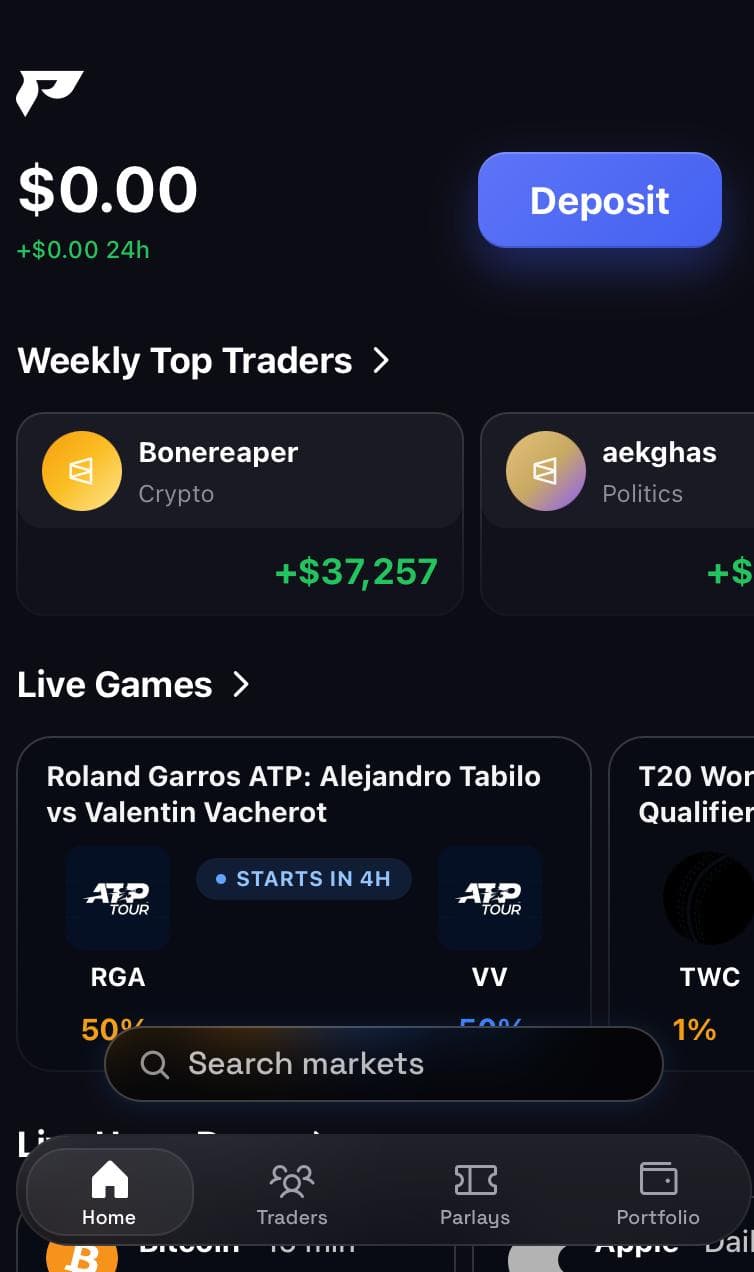
Polycool helps before execution. It is closer to a smart-money discovery layer than a trading terminal.
That makes it useful for readers who do not want full automation yet. They can watch top wallets, receive alerts, then decide manually whether the trade is still attractive. Read the Polycool review.
- Use it for wallet discovery, top-trader alerts, market monitoring, and portfolio awareness.
- Check whether the alert is a real signal or just a large wallet doing something context-specific.
- Predicts.guru workflow: verify the alerted wallet in wallet checker before copying the idea
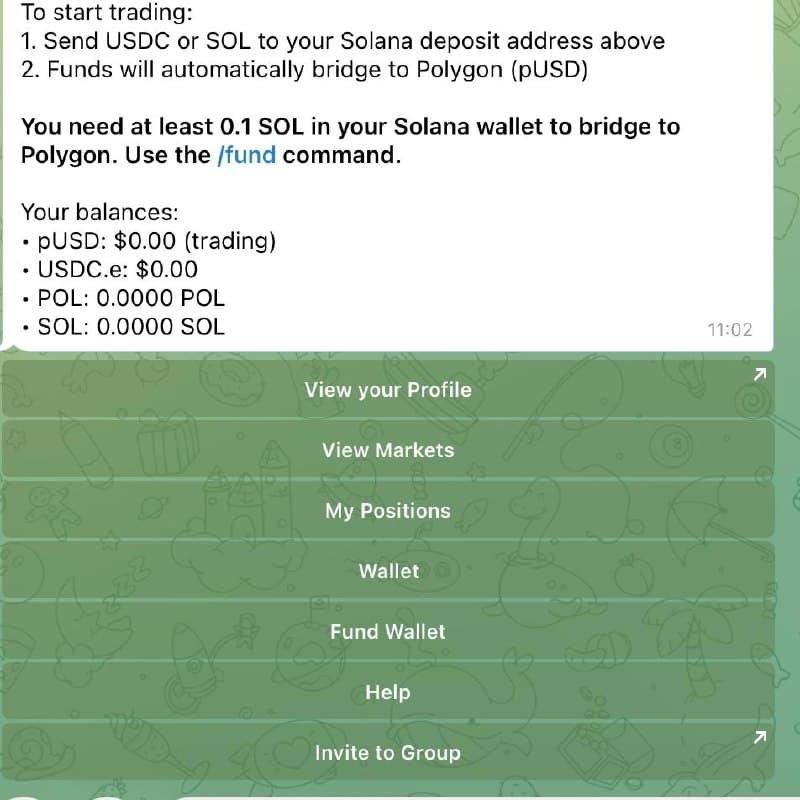
Polycule is the social/mobile Telegram option. The screenshot shows the product direction clearly: profile, markets, positions, wallet, fund wallet, help, and invites inside a chat-style flow.
Polymarket discussion already happens in Telegram, so Polycule feels natural. The problem is that chat pressure can make weak ideas feel urgent. Read the Polycule review.
- Use it if you want Telegram-first trading, group trading, mobile positions, and social copy flow.
- Check custody, withdrawals, permissions, fees, and the pause/stop flow before you use it.
- Predicts.guru workflow: research the market and wallet before acting on group momentum
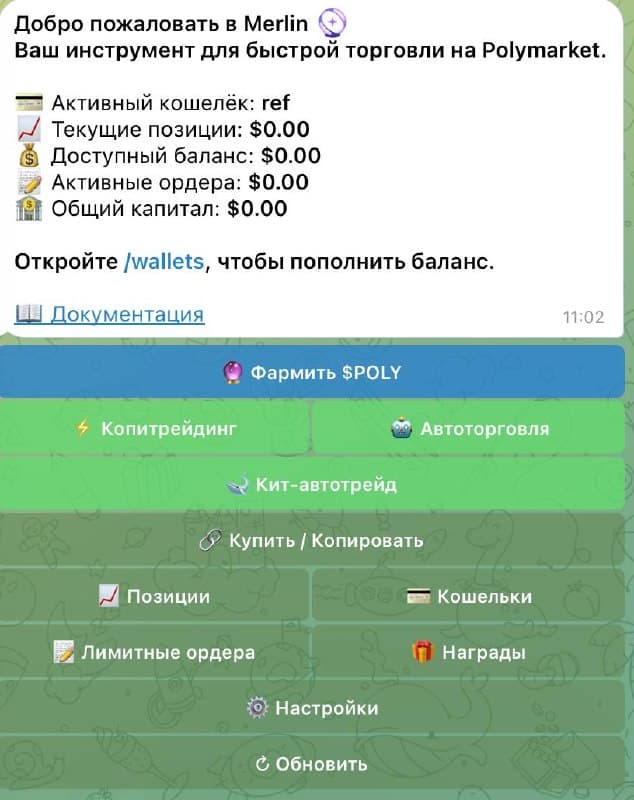
Betmoar should be framed as a reliable terminal, not a copy-trading bot. PolyBot should be framed as general automation with strategy rules, Safe-wallet style setup checks, and name-confusion risk. Merlin Trade should be framed as AI-assisted research and strategy discovery, where the danger is chasing a leaderboard curve after the edge already decayed.
Keeping these tools in separate buckets makes the comparison more useful: a terminal, an automation bot, and a research assistant should not be judged by the same checklist. Read the Betmoar review, PolyBot review, and Merlin Trade review.
- Betmoar is the cleaner manual trading terminal.
- PolyBot is closer to a broad automation tool.
- Merlin Trade puts research and summaries before execution.
A bot can make good trading more efficient. It can also make bad trading more expensive. Run this checklist before connecting anything, especially if the bot touches wallet actions, deposits, withdrawals, or copy settings.
| Check | Why it matters | Predicts.guru step |
|---|---|---|
| Wallet quality | One lucky trade can make a wallet look elite. | Check recent PnL, ROI, activity, and market categories. |
| Position sizing | A wallet with a huge bankroll may trade size you cannot safely mirror. | Compare average trade size and recent exposure. |
| Liquidity and spread | A copied trade can fill much worse than the original. | Open event analytics and check whether the price already moved. |
| Custody and permissions | Some bots require wallet permissions or deposits. | Read docs, test small, and confirm withdrawal flow. |
| Pause or kill switch | Automation should be easy to stop. | Start with small size until the workflow is proven. |
Do not publish profit promises or region-bypass advice on this page. Keep the message practical: eligibility, risk, wallet checks, market checks, and small-size testing.
If you already know the exact problem you are trying to solve, jump into one of the more specific guides instead of reading every tool review in order. Use the broad comparison to choose a category. Then open the detailed page and check fees, controls, risks, and setup details before you touch the bot.
The practical stack is not one bot. It is a sequence.
Use Predicts.guru to find wallets, inspect markets, check activity, and spot arbitrage or unusual behavior. Then choose the bot that matches the job. Copy with PolyCop or Kreo. React fast with PolyGun. Watch alerts with Polycool. Trade socially with Polycule. Use Betmoar when you want a cleaner terminal. Use Merlin Trade or Polybot only when their category actually matches your workflow.
The best traders will not be the ones with the most buttons. They will be the ones who know when not to click.
- Step 1: find a wallet or market on Predicts.guru.
- Step 2: check PnL, activity, liquidity, spreads, and resolution details.
- Step 3: decide whether you need copying, alerts, speed, terminal UX, or research help.
- Step 4: start with small size and monitor fills.
- Step 5: stop the bot if the wallet or market behavior changes.
Common bot questions, answered without the marketing gloss.
What is the best Polymarket bot?
PolyCop is the best first pick for controlled copy trading, Kreo is better for passive copying, PolyGun is better for fast Telegram execution, Polycool is better for smart-money alerts, Polycule is better for mobile/social Telegram trading, Betmoar is better for manual terminal workflow, Polybot is broader automation, and Merlin Trade is best treated as AI-assisted research.
Are Polymarket bots safe?
No bot is automatically safe. Check custody, wallet permissions, withdrawal process, slippage controls, max position size, fee model, and whether you can pause or stop the bot instantly. Never give a private key to random software.
Can a Polymarket bot guarantee profit?
No. A Polymarket bot can execute faster, copy a wallet, send alerts, or make research easier. It cannot guarantee correct entries, good liquidity, or profitable market selection. Bad automation usually loses faster than bad manual trading.
Should I use Predicts.guru before a bot?
Yes. Use Predicts.guru to check wallets, PnL, activity, markets, and liquidity before turning on copy trading or sniper execution. A bot should execute a researched idea, not replace the research.
Some outgoing links may include referral codes. I still separate official claims from practical risk notes, and no bot can guarantee profit.
Check these official Polymarket sources before you act on referral terms, deposit methods, fees, availability, verification, or resolution details.
Last verified: May 20, 2026
If you already found a wallet worth following, test the control-first copy-trading bot with small size first.
Verify PnL, ROI, recent activity, and market history before using any copy-trading bot.
Tools and related reading referenced by this guide.
Continue with nearby Polymarket research topics.
Learn how to use Polymarket from signup to research, deposits, market selection, Yes/No shares, position tracking, and risk checks.
Understand Polymarket fees, including taker fees on some markets, fee-free categories, deposit and withdrawal notes, spreads, and liquidity costs.
Use the Predicts.guru Polymarket wallet checker to look up trader PnL, open positions, win rate, trading history, and risk patterns.