
정산 전 Polymarket 지분 매도하는 방법
정산 전에 Polymarket 지분을 매도하는 방식, 유동성과 스프레드가 중요한 이유, 조기 청산이 손익에 미치는 영향을 알아보세요.
시장이 계속 열려 있고 매수 유동성이 충분하다면 시장 정산 전에 Polymarket 지분을 매도할 수 있습니다. 매도는 실시간 시장 가격으로 체결되므로, 결과는 진입 가격, 청산 가격, 스프레드, 호가 깊이, 수수료, 그리고 진입 이후 시장이 얼마나 움직였는지에 따라 달라집니다.
- 정산 전 매도는 최종 지급액이 아니라 현재 시장 가격으로 청산됩니다.
- 스프레드가 넓으면 수익처럼 보이는 청산도 실제로는 더 나빠질 수 있습니다.
- 큰 포지션을 매도하기 전에 최근 활동을 확인하세요.
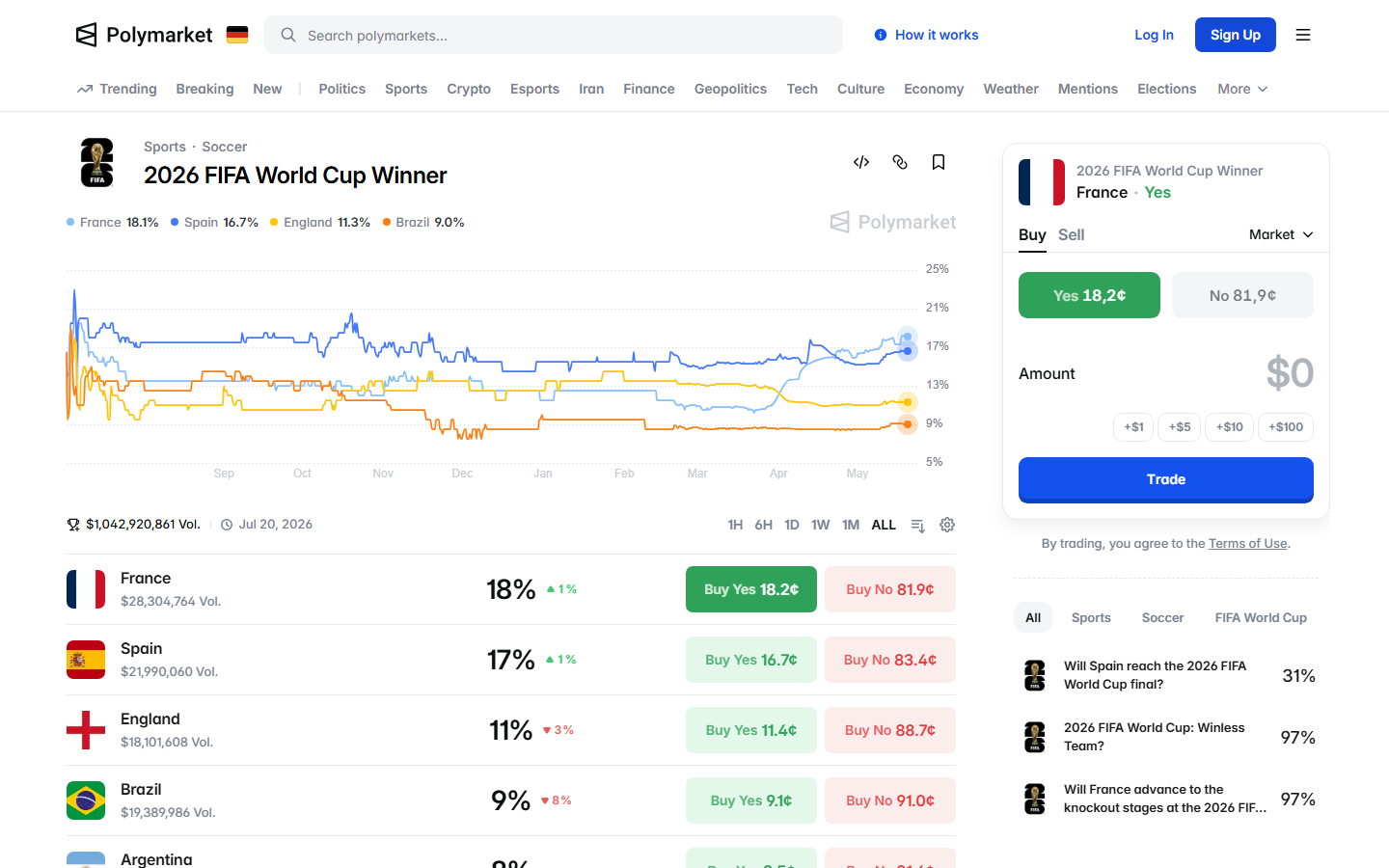
지분을 매도할 수 있는 시점
시장이 열려 있고 오더북에 해당 방향의 매수자가 있는 동안에는 지분을 매도할 수 있습니다. 시장이 정산되면 절차는 거래에서 정산과 지급으로 전환됩니다.
매도 버튼이 있다고 해서 청산 가격이 매력적이라는 뜻은 아닙니다. 확정하기 전에 거래 티켓을 확인하세요.
가격, 스프레드, 호가 깊이
표시된 확률이 실제로 받게 되는 가격은 아닐 수 있습니다. 체결은 오더북에 있는 매수 호가와 매도 규모에 따라 달라집니다. 최우선 매수 호가가 흡수할 수 있는 양보다 많은 지분을 매도하면 주문이 호가를 타고 내려가 평균 청산 가격을 낮출 수 있습니다.
- 매도 전에 최우선 매수 호가를 확인하세요.
- 포지션 규모를 이용 가능한 호가 깊이와 비교하세요.
- 최근 활동을 활용해 매수자가 여전히 활발한지 판단하세요.
수익과 손실 예시
예를 매수 가격 $0.35에 사서 $0.55에 매도하면 정산 전에 수익을 확정합니다. $0.70에 매수해 $0.52에 매도하면 손실을 받아들이되 향후 결과 리스크를 줄입니다.
조기 매도는 리스크 관리 수단이 될 수도 있습니다. 시장 논리가 바뀌었거나, 규칙이 불분명해 보이거나, 다른 곳에 더 나은 기회가 생겨서 매도할 수도 있습니다.
청산을 따라 하기 전에 지갑을 확인하세요
상위 트레이더가 매도했다면 그 움직임을 따라 하기 전에 지갑 내역을 열어 보세요. 해당 지갑은 더 큰 포지션의 일부를 줄이거나, 헤지하거나, 자본을 다른 시장으로 옮기는 중일 수 있습니다. 리더보드, 지갑 분석, 활동 페이지를 함께 활용하면 실제 청산 시그널과 일상적인 포지션 관리를 구분할 수 있습니다.
정산 전 지분 매도는 매수자에게 달려 있습니다. 최우선 매수 호가, 이용 가능한 호가 깊이, 그리고 매도가 평균 청산 가격을 얼마나 움직일지 확인하세요.
오더북 문서에 따르면 즉시 체결을 원할 때는 매수 호가에 매도하게 됩니다. 이것이 표시된 시장 확률과 자신의 규모로 실제 받을 수 있는 가격 사이의 핵심 차이입니다. 차트는 유리한 가격을 보여줄 수 있지만, 오더북은 그 가격에 전체 포지션을 체결해 주지 못할 수 있습니다.
부분 매도는 최종 결과에 대한 익스포저를 유지하면서 일부 수익을 확정할 수 있습니다. 전량 매도는 시장 리스크를 없애지만 추가 상승 여력을 포기할 수 있습니다.
감정이 앞서기 전에 청산 방식을 정하세요. 가격 급등과 갑작스러운 뉴스는 반응적인 매도를 더 어렵게 만듭니다.
매도할 좋은 이유는 사실이 바뀌었거나, 규칙이 덜 명확해 보이거나, 유동성이 나빠졌거나, 가격이 목표에 도달한 경우입니다. 약한 이유는 다른 지갑이 여전히 다른 곳에 익스포저를 갖고 있는지 모르는 상태로 그 지갑의 청산을 따라 하는 것입니다.
예를 $0.45에 매수해 $0.60에 매도하면 정산 전에 수익을 얻습니다. $0.30에 매도하면 손실을 받아들이지만 자본을 확보하고 결과 리스크를 없앱니다. 조기 매도는 현재 가격의 확실성과 최종 결과의 불확실성 사이의 트레이드오프입니다.
기존 매수 호가에 매도하면 주문이 여러 가격대에 걸쳐 체결될 수 있습니다. 표시된 최우선 매수 호가는 보유 지분의 일부만 소화할 수도 있습니다.
확정하기 전에 평균 청산 가격을 미리 확인하세요. 얇은 오더북은 수익처럼 보이는 청산을 평범한 체결로 바꿔 놓을 수 있습니다.
여유 있는 매도 가격은 매수자가 나타나면 체결을 개선할 수 있습니다. 대가는 시간입니다. 주문이 체결되기 전에 시장이 불리하게 움직일 수 있습니다.
논리가 바뀌지 않았고 유동성이 활발할 때는 인내심을 활용하세요. 새로운 정보가 포지션을 훼손하거나 리스크 한도가 청산을 강제할 때는 신속하게 움직이세요.
작은 포지션은 보이는 매수 호가 근처에서 청산될 수 있습니다. 더 큰 포지션은 호가 깊이를 소진하고 평균 가격을 낮출 수 있습니다.
보유 지분 수를 이용 가능한 매수 호가와 비교하세요. 규모가 오더북에 비해 너무 크다면 부분 청산이나 더 작은 단위로 나누는 방법을 고려하세요.
진입 가격, 청산 가격, 지분 수, 시각, 시장, 매도 이유를 기록하세요. 이 기록은 청산이 원래 계획을 따랐는지 검토하는 데 도움이 됩니다.
기록이 없으면 모든 매도가 지나고 보면 당연해 보일 수 있습니다. 기록이 있으면 청산이 시간이 지나며 개선되는지 확인할 수 있습니다.
지갑이 매도한다는 사실이 그 시장이 나쁘다는 증거는 아닙니다. 해당 지갑은 규모를 줄이거나, 자본을 확보하거나, 헤지하거나, 진입 가격이 자신보다 훨씬 좋았기 때문에 청산하는 것일 수 있습니다.
청산을 따라 하기 전에 그 지갑의 추정 진입 가격, 현재 익스포저, 남은 포지션을 비교하세요. 자신의 포지션에는 다른 결정이 필요할 수 있습니다.
매도 주문이 체결되지 않고 남아 있다면, 지정 가격이 이용 가능한 매수 호가보다 높은지, 시장 거래량이 둔화되었는지, 새로운 정보가 매수 수요를 바꾸었는지 확인하세요. 가격을 낮추거나, 기다리거나, 포지션의 일부를 매도하거나, 계속 보유할 수 있습니다. 오더북에 대한 답답함이 아니라 자신의 논리와 리스크 한도를 기준으로 선택하세요.
매도를 확정하기 전에 청산 가격을 원래 계획과 비교하세요. 매도가 계획에 맞으면 실행하세요. 맞지 않으면 클릭하기 전에 새로운 이유를 적으세요.
리퍼럴 약관, 입금 방법, 수수료, 이용 가능 여부, 검증, 정산 세부 사항을 근거로 행동하기 전에 이 Polymarket 공식 자료를 확인하세요.
최종 확인: 2026년 5월 20일
진입하거나 청산하기 전에 최근 거래를 확인하세요.
트레이더의 포지션과 내역을 검토하세요.
이 가이드에서 참조한 도구와 관련 읽을거리.
인접한 Polymarket 리서치 주제를 이어서 살펴보세요.
지분 매도, 정산 완료된 수익 수령, 그리고 Polymarket에서 외부 지갑으로 자금을 출금하는 것의 차이를 알아보세요.
Polymarket 예 지분과 아니오 지분, 시장 가격, 내재 확률, 지급 계산, 조기 매도, 유동성, 초보자 리스크를 이해해 보세요.
정산 이후 Polymarket 지급이 어떻게 이루어지는지, 당첨 지분과 패배 지분은 어떻게 되는지, 자금이 언제 풀리는지, 거래 전에 무엇을 확인해야 하는지 알아보세요.